APKPure
APKPure quick access to update your apps and games without registration
Safe & Secure
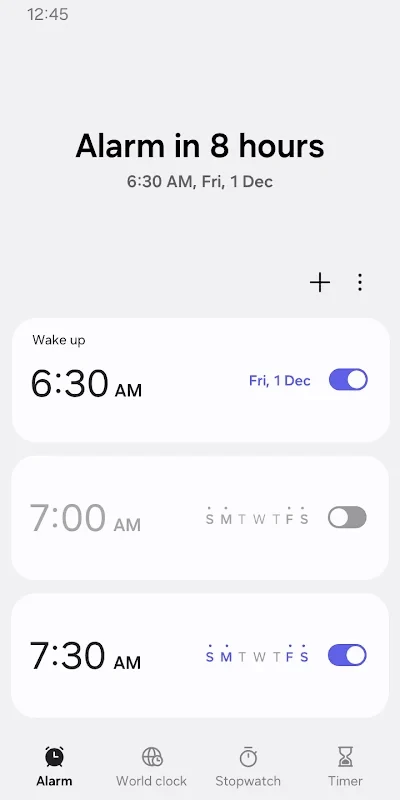
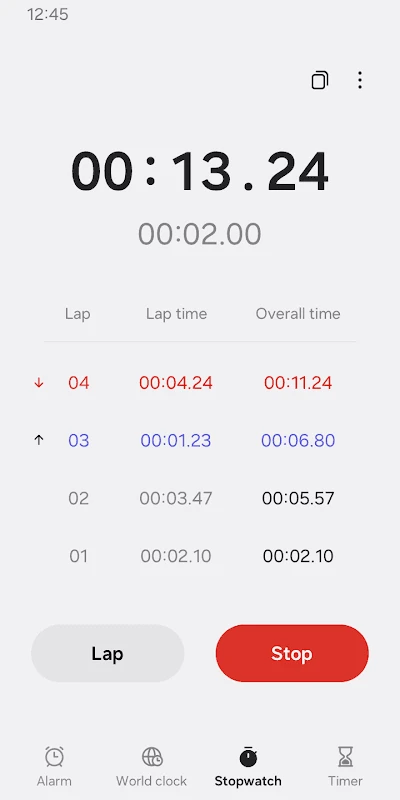
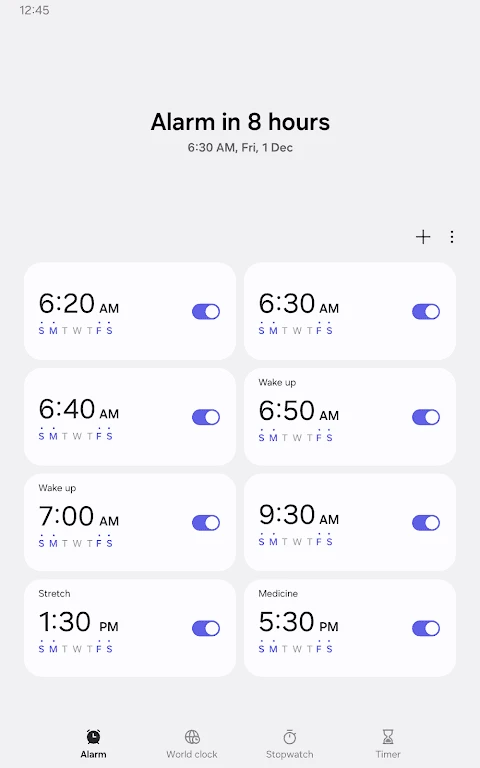
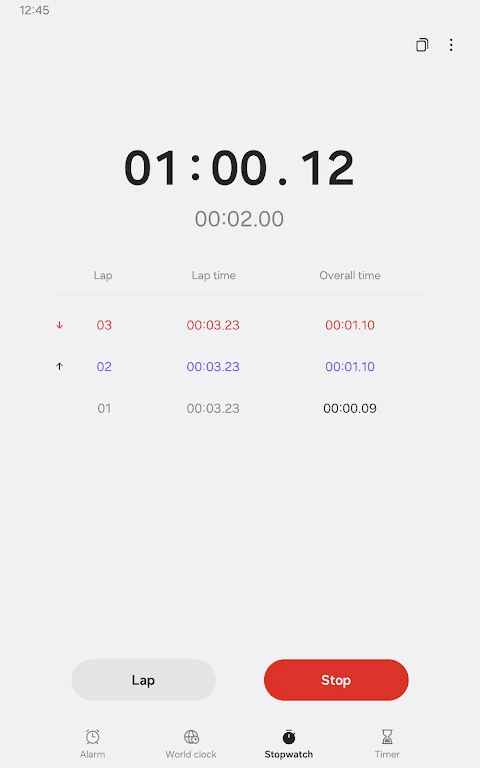
Samsung Clock is the default alarm clock, specifically designed for Samsung devices, and also downloadable on other Android devices. The free-to-use app helps to manage your time, including wake time, bedtime, nap time, and exercise time as well. You can also use the app as a counter for special days such as birthdays, new jobs, and so on.
The app offers services in different scenarios, including alarm, world clock, stopwatch, and timer tools, all in one place without using additional apps. It is the best solution for users, as it enables users to create widgets with time zones for other places and monitor the time of other locations hassle-free.
The Samsung Clock is a powerful and versatile tool that comes pre-installed on Samsung Android devices. Otherwise, it's available on the Google Play Store and Galaxy App Store. It works as more than a timer, as it is embedded with multiple time-management features to streamline your daily routine. It enhances the overall user experience, ensuring you stay organized, connected, and punctual.
The app offers four main functions, including alarm, timer, snooze, and the last one is weather. It makes your time management cool and simple, and helps to organize different events such as school, office, and so on. It is also possible to set a date & widget and select whether you want to repeat the alarms weekly or daily.
One of the core features that enable users to manage their specific times more reliably and make their wake-up or reminders hassle-free. It is possible to set alarms while assigning dates, and also configure to repeat the alarm on daily or weekly basis. The alarms are customizable, so you can customize them with different sounds, days, and even also snooze durations, ensuring to make your wake up time exact, and enhancing your sleep schedule and preferences.
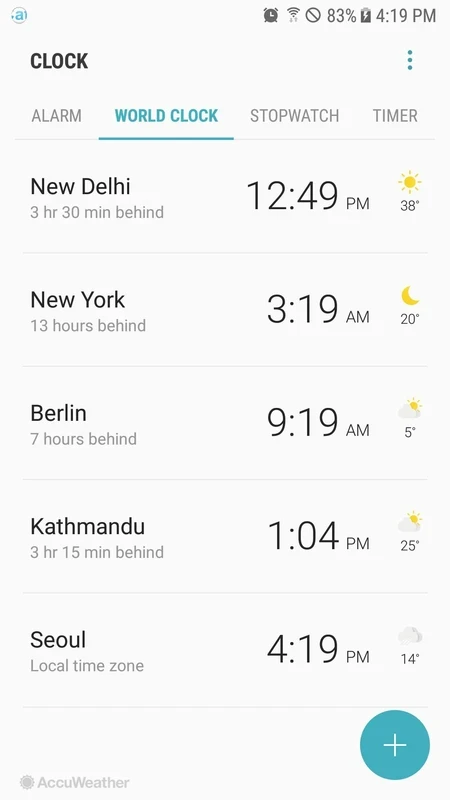
It is also one of the best features to show the correct location as well as the time of any specific city across the world. It is the best solution for individuals who want to talk with their friends or loved ones in another time zone. The inclusion of globe visualization gives quick confirmation of your required location. It helps travelers and users who have to coordinate activities across multiple time zones, as the Time Zone Converter can quickly switch to the local time for the location.
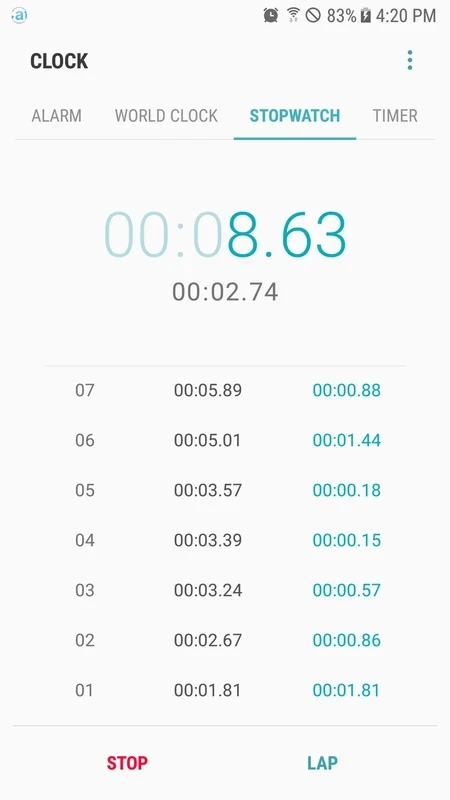
The built-in stopwatch helps to manage your multiple activities accurately, including recording your workout times, cooking, or conducting experiments. You can copy the records while tapping & holding the mobile screen, and document your time for different purposes, including training, competition, and so on.
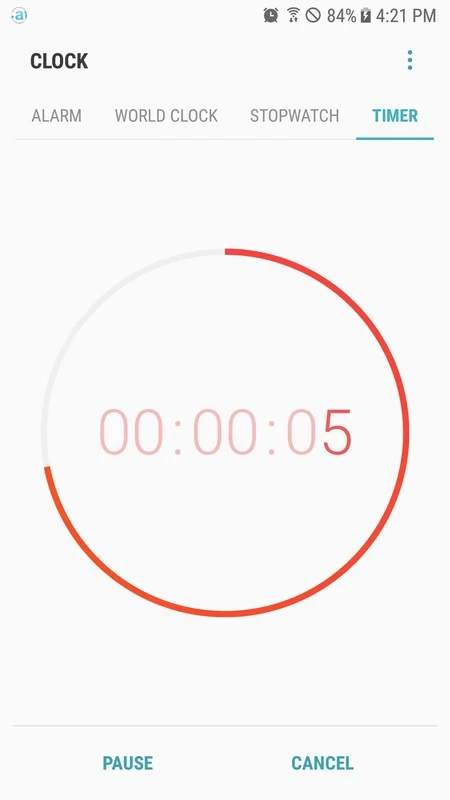
The timer helps you set a countdown to operate various activities such as cooking time, study sessions, any other such activities. It enables you to preset timer durations for frequently used tasks, instead of setting the timer again and again. It streamlines multiple tasks reliably to improve productivity and prevent you from overworking. You can run multiple timers simultaneously and get alerts after the timer expires. In case of turning off the timer, simply click the “Restart” button of the timer to continue the countdown.
The integration of Bedtime mode within the app makes your sleep habits healthy and comfortable. It reliably manages your entire bedtime while tracking your sleep patterns, reminding you to go to bed, and even muting the notifications during your sleep time. In the way, you can manage your sleep as well as waking time.
It is the best solution for users with Android 14 and higher, and offers multiple customization options, including selecting images and videos for alarm backgrounds to make your wake-up time more pleasant and engaging. In addition, the Snooze option is also available for setting several alarms in a row to offer repeated reminders, instead of configuring them individually.
You have to accept multiple optional permissions for the app to get optimal functionality. However, you can use basic features without granting such permissions. You can personalize alarms and timers sound and look, and allow the app to use stored on your device for accessing to audio files. Give the app access to photos and videos for picking an image as an alarm background. Notification permission can alert you about upcoming and missed alarms.
The straightforward and user-friendly interface allows users to navigate through the labeled features intuitively. So, you can access different features, including setting an alarm, checking time and location in different time zones, setting a timer, etc. It is a best and productive utility, equally reliable for individuals and professional users.
Pros
Cons

APKPure quick access to update your apps and games without registration

vnROM BYPASS FRP GOOGLE ACCOUNT from your Android device

Aptoide APK provides limitless apps to install and share

Download Google Play Store APK for Android and enjoy your favorite Android apps or games on your mobile devices

FRP Bypass is a free tool used for bypassing the Google lock, screen lock, and factory reset.

InstaUp automates your Instagram followers free of charge